Huella dactilar
Understand the basics
Although the platform should show the Versions for almost all of the contents, it’d still be possible for a system administrator to manipulate the content by editing the database directly.
Como mitigación por este riesgo, la plataforma muestra una huella dactilar para algunos campos importantes, por ejemplo, un cuerpo de propuesta y un título.
Its goal is to provide a way to give an informal "receipt" to a participant so they can detect tampering. Una huella dactilar es una representación hashada del contenido. Es útil asegurarse de que el contenido no ha sido manipulado, ya que una sola modificación resultaría en un valor totalmente diferente. It’s calculated using a SHA256 hashing algorithm. Para replicarlo usted mismo, puede utilizar calculadora MD5 en línea y copiar y pegar los datos de origen.
Configuración
Comprobar huella digital
-
Go to the content for which you want to verify the fingerprint
-
Click in the "Check fingerprint" link at the bottom of the page
-
Copy the source field value
-
Go to a MD5 calculator online and copy-paste the source data
-
Check that the fingerprints are the same
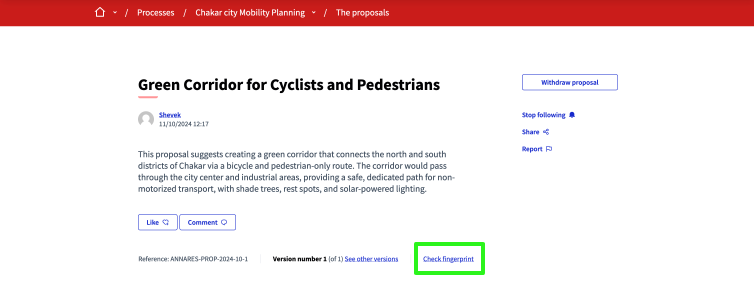
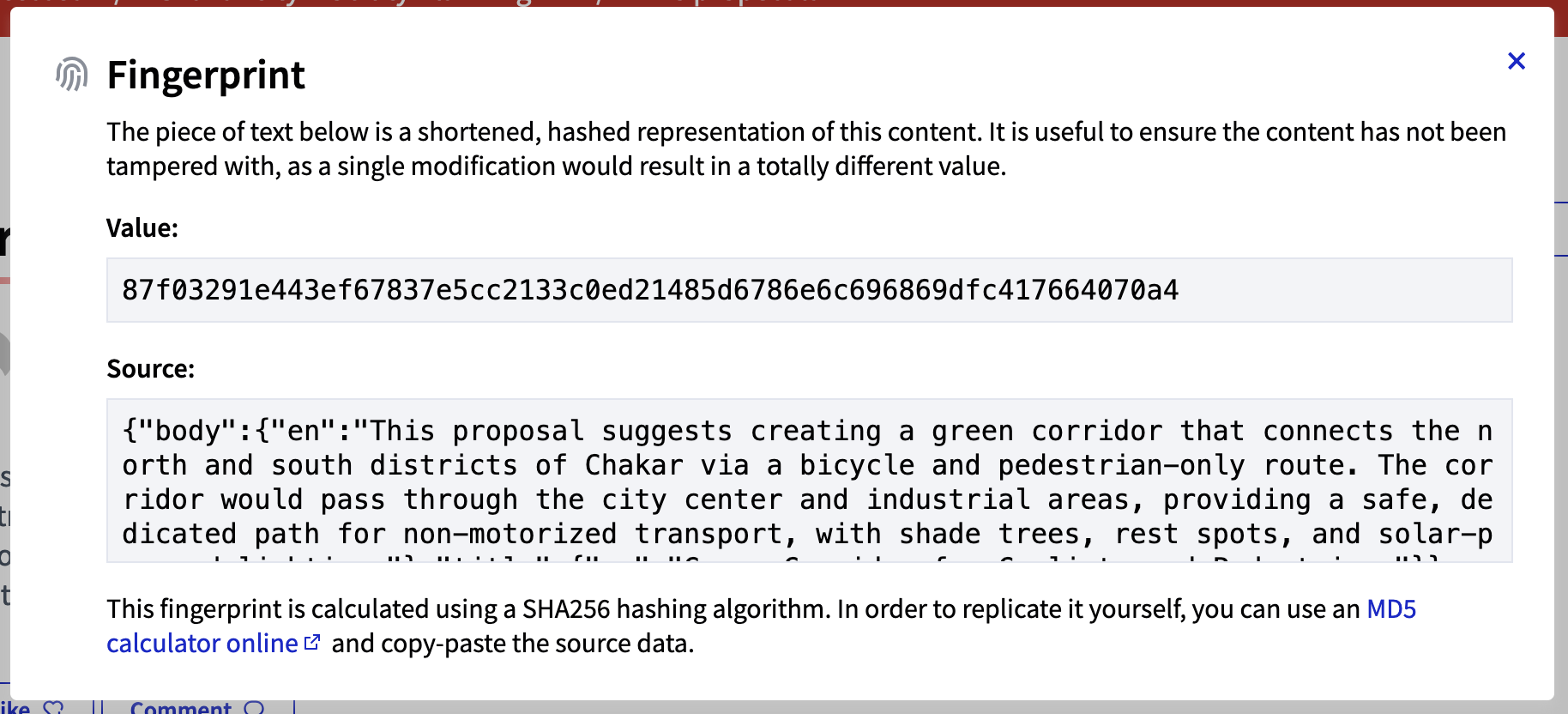
imagen:features/fingerprint/md5calc.png[Captura de pantalla MD5calc.com]
It’s also possible to verify the fingerprint with other tools, such as the sha256sum command line tool.
echo -n '{"body":{"en":"This proposal suggests creating a green corridor that connects the north and south districts of Chakar via a bicycle and pedestrian-only route. The corridor would pass through the city center and industrial areas, providing a safe, dedicated path for non-motorized transport, with shade trees, rest spots, and solar-powered lighting."},"title":{"en":"Green Corridor for Cyclists and Pedestrians"}}' | sha256sum