Compartir
Understand the basics
Participants can share content on the platform through the share links available on the different contents pages. Los enlaces para compartir permiten compartir más fácilmente con diferentes servicios de redes sociales que pueden ser configurados para Decidim a través de los archivos de configuración.
| Check Social share services for more information. |
Configuración
Share a content
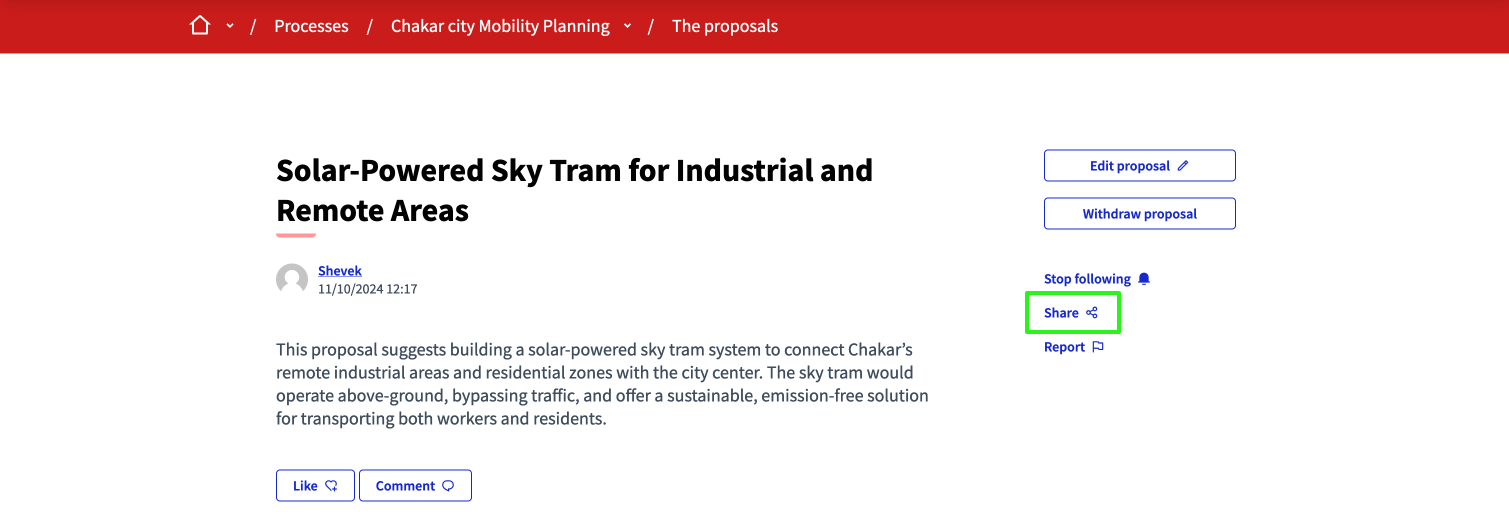
To share a content, such as a proposal, go to the content page and click the "Share" link at the right of the description.
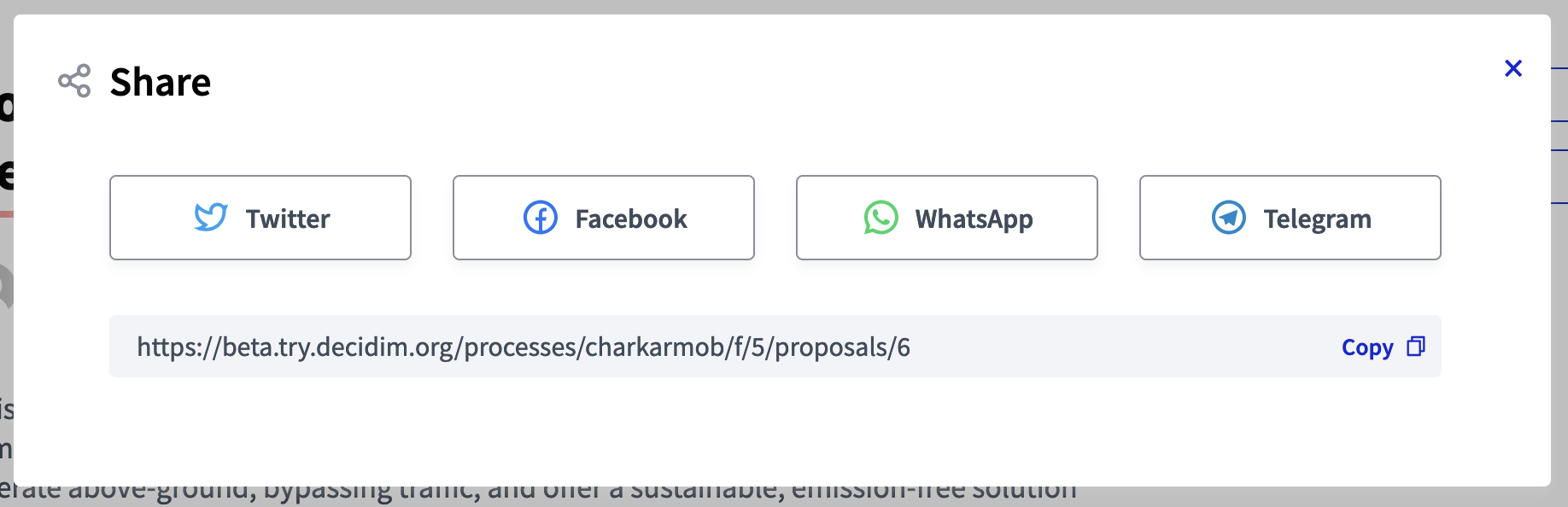
A modal appears, with different buttons to different social services providers. By clicking on a button, the participant is redirected to the social network, and can quickly publish or send a message with a link to the content page. Participants can also copy the link below the buttons, or click in the "Copy" link or icon.