Seguidores
Understand the basics
Participants can follow contents in Decidim, such as participatory spaces, proposals, a specific meeting, other participants, user groups, etc. Following something or someone means that when there are news related to this content, the participant receive notifications.
Notifications are accessible in the notification page, but can also be sent by email. You can control these notifications in the settings of your account.
The activity that you’re following is visible in your profile activity.
Configuración
Follow content
| By default, administrators follow all the new spaces created in the platform. |
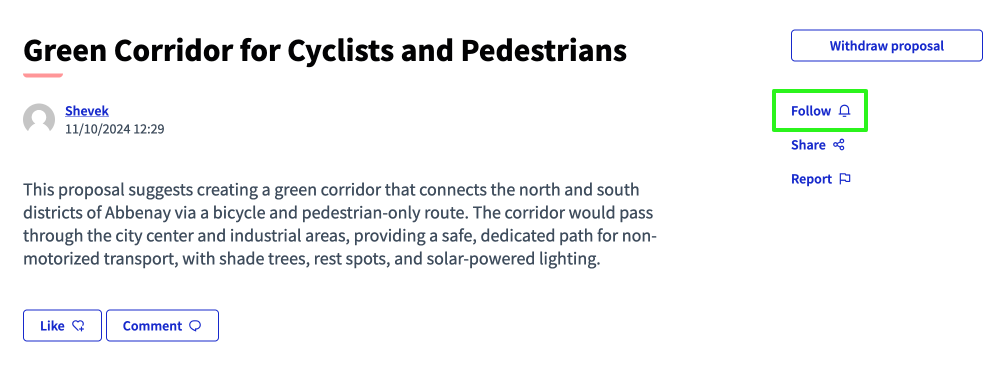
To follow a content:
-
Navega a lo que quieras seguir.
-
Haga clic en el botón "Seguir".
-
See that the "Follow" button disappear and the "Stop following" button appear.
Unfollow content
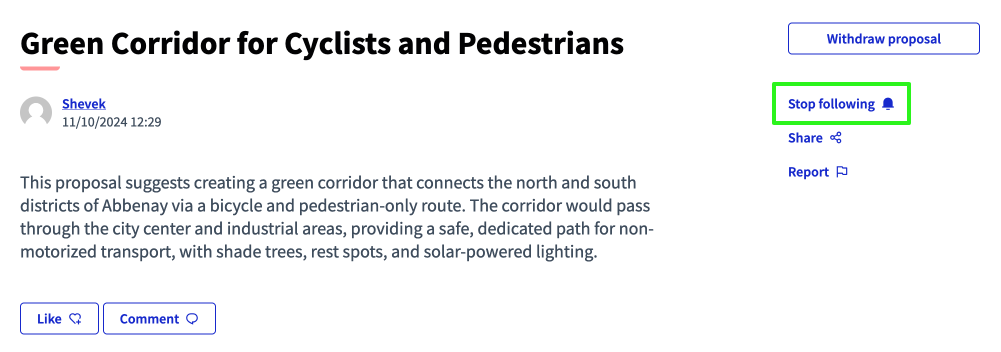
To unfollow a content:
-
Navega a lo que quieras dejar de seguir.
-
Haz clic en el botón "Parar de seguir".
-
Verás que el botón "Dejar de seguir" desaparece y aparece el botón "Seguir".
Follow a participant
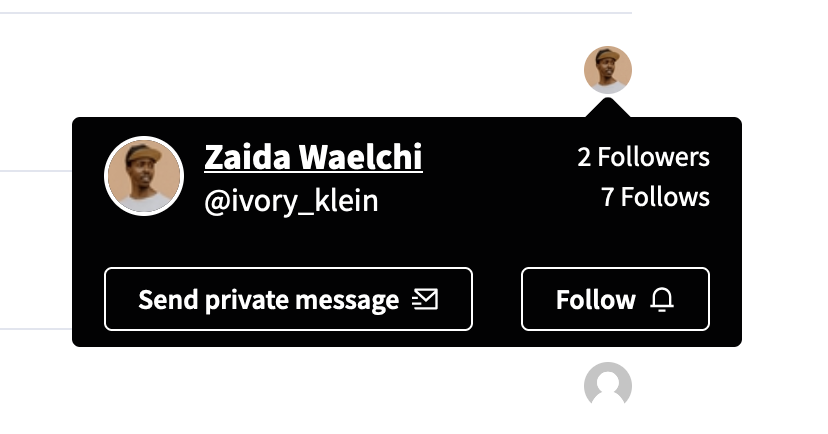
A participant can also follow participants. This is public and visible in the profile follows section.
To follow a participant, pass the cursor on their avatar, or click the "Follow" button in their public profile page.