Páginas
Understand the basics
In this section, you can configure static Pages, to give general information to the participants of the platform.
Como ejemplo, algunas de estas páginas podrían referirse:
-
¿Qué es esta plataforma? ¿Quién es la organización?
-
How to participate here?
-
How to create and verify an account?
-
What are the terms and conditions and the legal information about this platform?
Configuración
Manage the pages
You can manage the pages from this section of the administration panel:
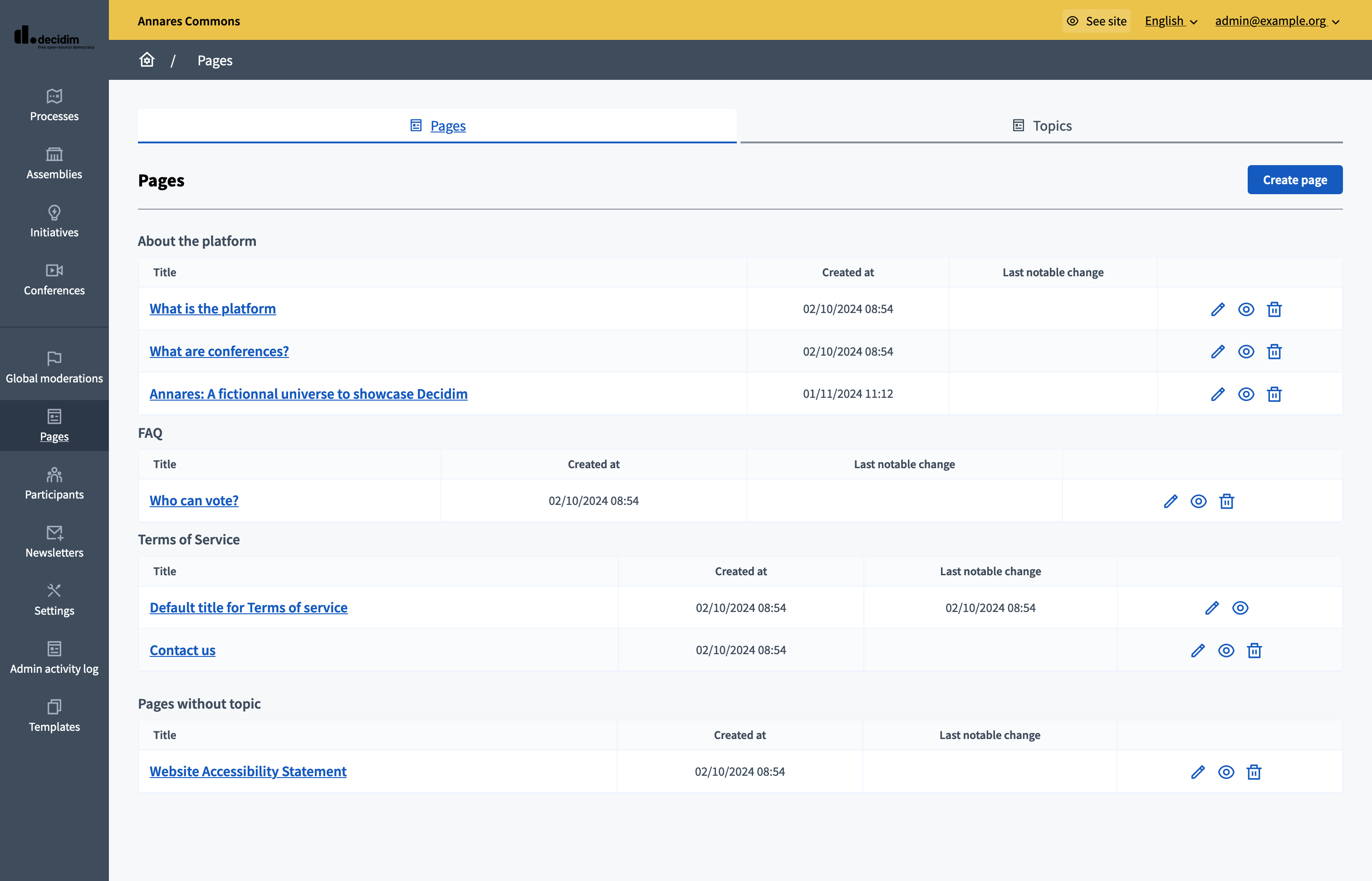
As you can see, you can edit all the pages and re-organize them in different topics at any moment.
There is only one page you can’t delete. As the platform enables the Participants to register and save some of their personal data, it’s important to have a page for the Terms and Conditions. This is where you need to put your legal terms, for instance who owns the data collected, for how many times it’s saved, etc. This should ideally be written and reviewed by a lawyer.
Crear una nueva página
To create a new page, you need to click the "Create page" button.
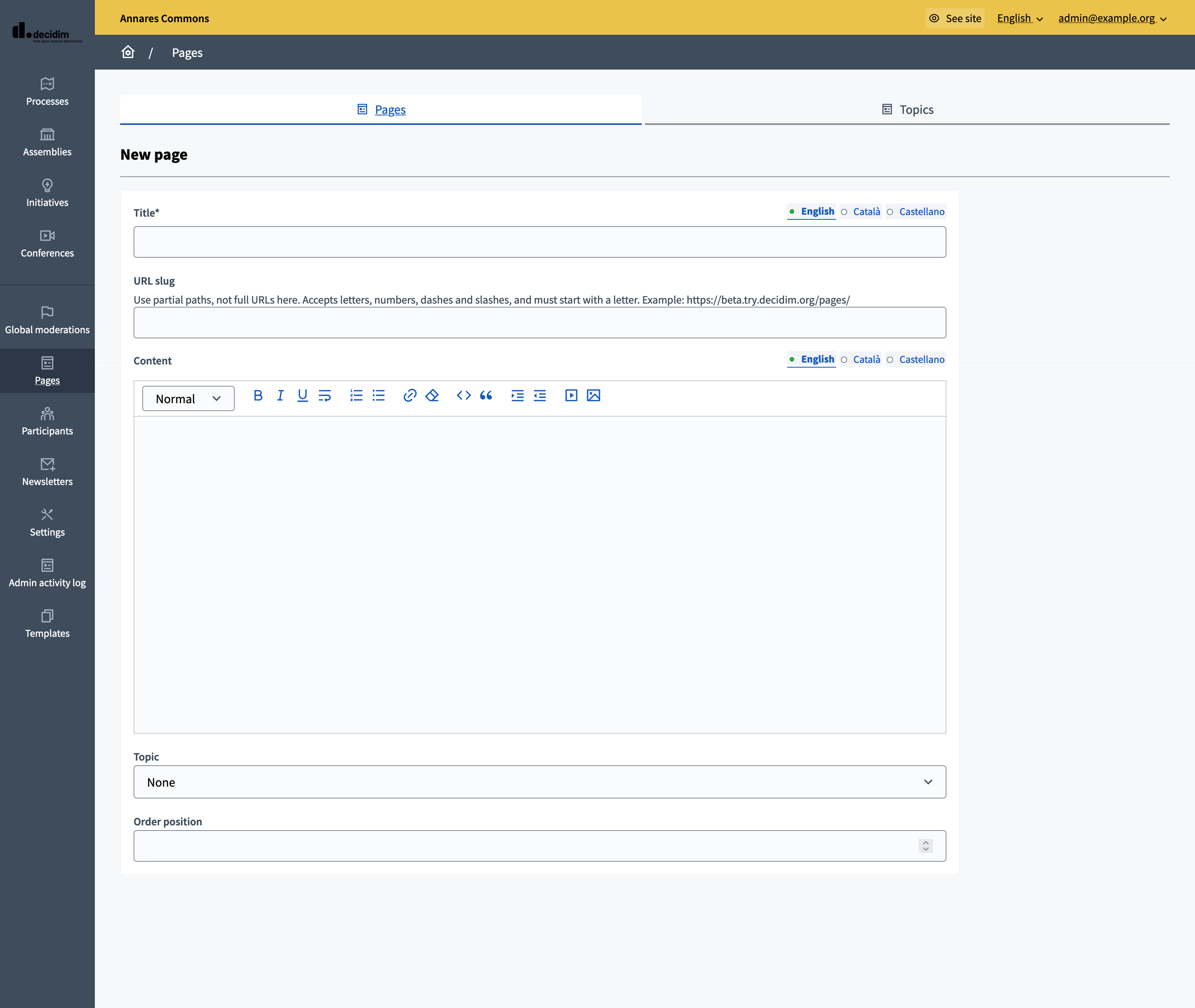
| Campo | Tipo | Descripción |
|---|---|---|
Título |
Requerido |
Título de esta página. Por ejemplo: "¿Cómo participar?" |
Slug URL |
Requerido |
String used in the URL. Utilice rutas parciales, no URL completas aquí. Acepta letras, números, guiones y barras, y debe comenzar con una letra. For instance if the slug is "faq" and your domain is "https://example.org" your page is accessible at "https://example.org/pages/faq" |
Contenido |
Requerido |
All the content of the page. |
Tema |
Opcional |
In which Topic it’s stored. |
Posición del pedido |
Opcional |
The order of the page in relation with the other pages. Tener un número más bajo significa una prioridad mayor. For instance, if you have two pages, "Page a" with weight "10" and "Page b" with weight "0" then "Page b" is first when ordering. |
Edit a page
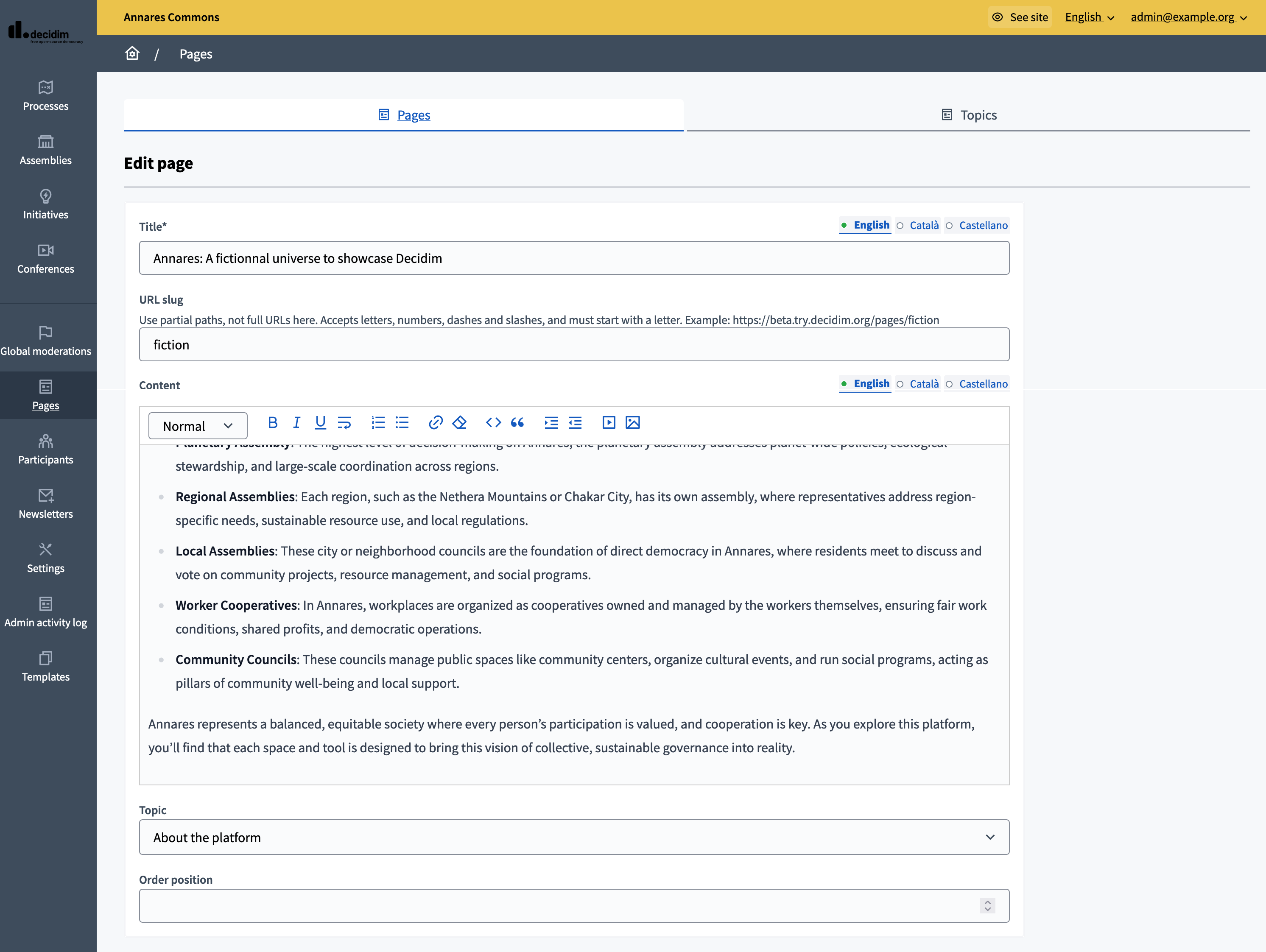
You can edit the pages at any moment, by clicking on the pencil icon in the pages list. All the content and configuration of the page are editable.
The "terms and conditions" page
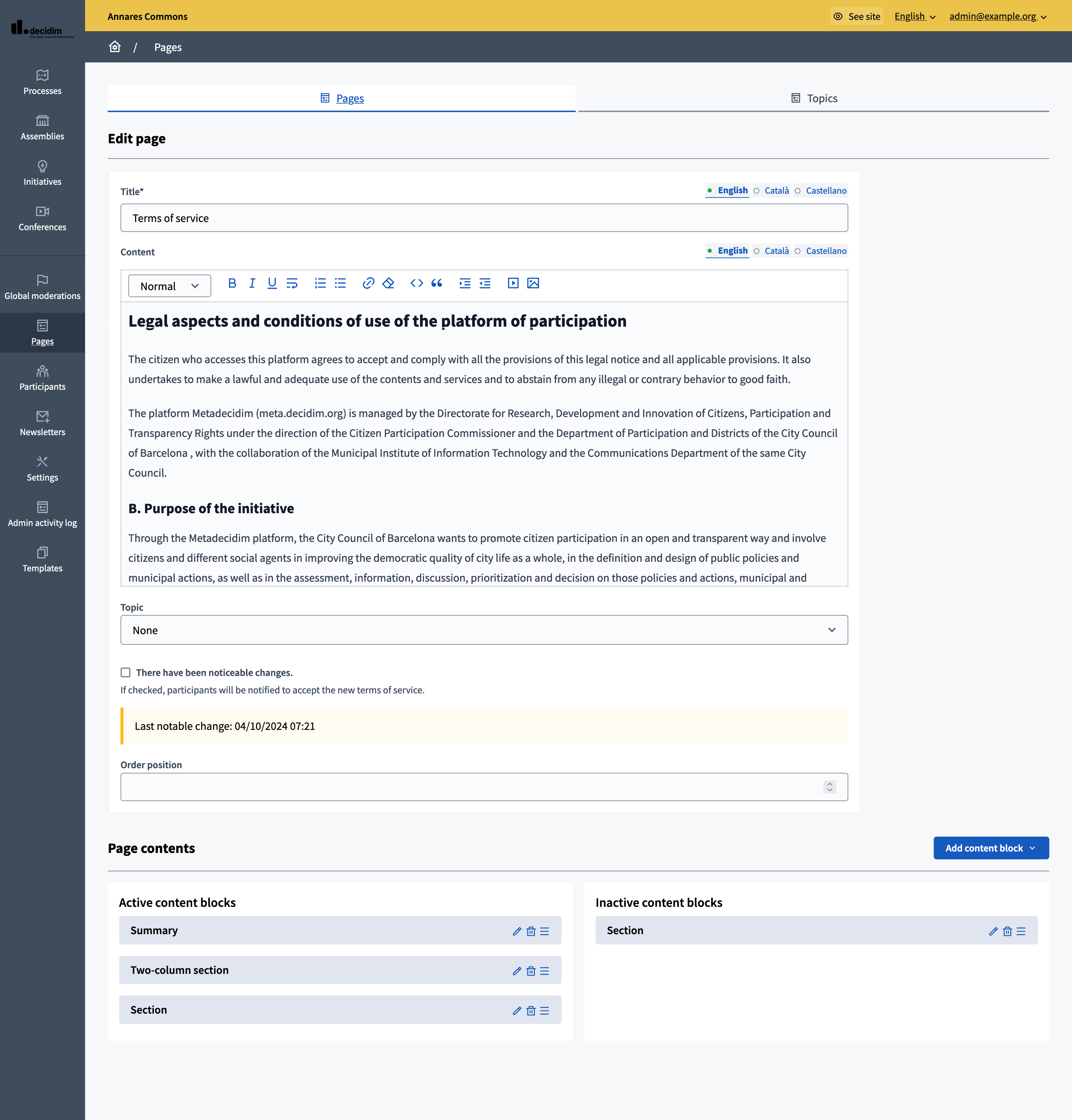
This page is generated by default in every new organization. It can’t be deleted, and it has a few specific details related with its legal nature:
-
It is shown to participants when they sign up, and they have to accept it to be able to participate ;
-
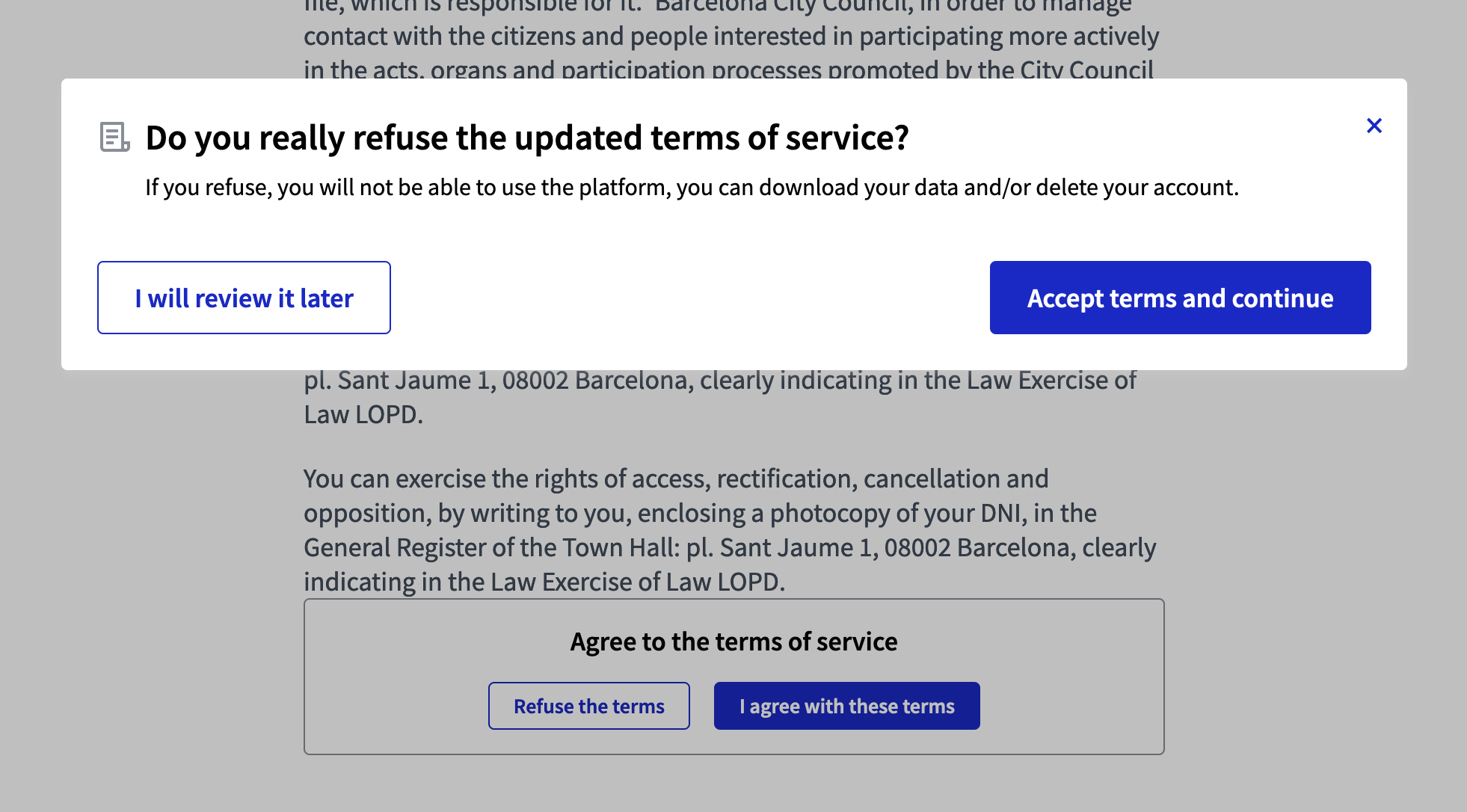
If there are meaningful changes, administrators can decide that all users have to accept the new version at their next sign in ;
-
The structure of this page can be more complex than the other ones, with summary and two-columns sections.
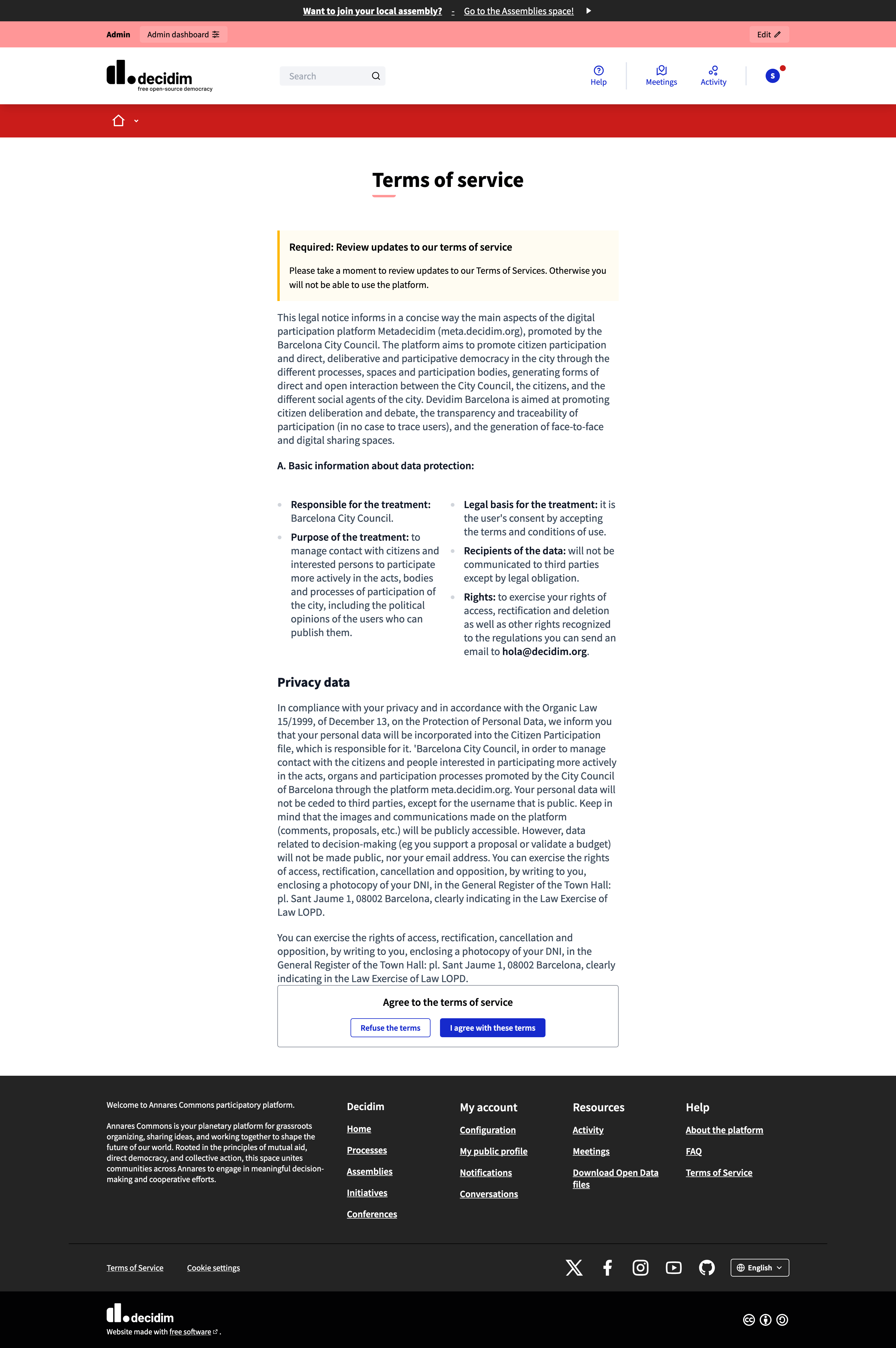
If a participant refuses to accept the terms, then they have three options:
-
To review it again later. It signs them out automatically.
-
To download their personal data.
-
To delete their account.