Amendments
Com o recurso da emenda, os participantes podem propor alterações a uma proposta já publicada.
É útil propor melhorias ou correções, especialmente úteis ao redigir leis ou normas com Texto Participativo.
Ele tem semelhanças com Rascunhos colaborativos, mas a principal diferença é que com emendas não há necessidade de confiar nas intenções dos outros autores como cada mudança é revisada e deve ser aprovado pelo autor da proposta original.
Para configurar alterações no componente das "propostas":
-
Sign in as admin
-
Go to admin panel
-
In the main sidebar, click in the button for the space that you want to configure the component for. For instance, it could be "Processes", "Assemblies", or "Conferences"
-
Go to components
-
Click on "Add component" button
-
Click on "Proposals"
-
Check the "Amendments enabled" setting
-
Review and configure the following related settings: "Amendments Wizard help text" in global component settings and "Amendment creation enabled", "Amendment reaction enabled", "Amendment promotion enabled", and "Amendments visibility" in the step component settings.
-
Save the component
How it works
-
A participant (Alice) has created a proposal
-
Another participant (Bob) has seen the proposal and wants to make some changes
-
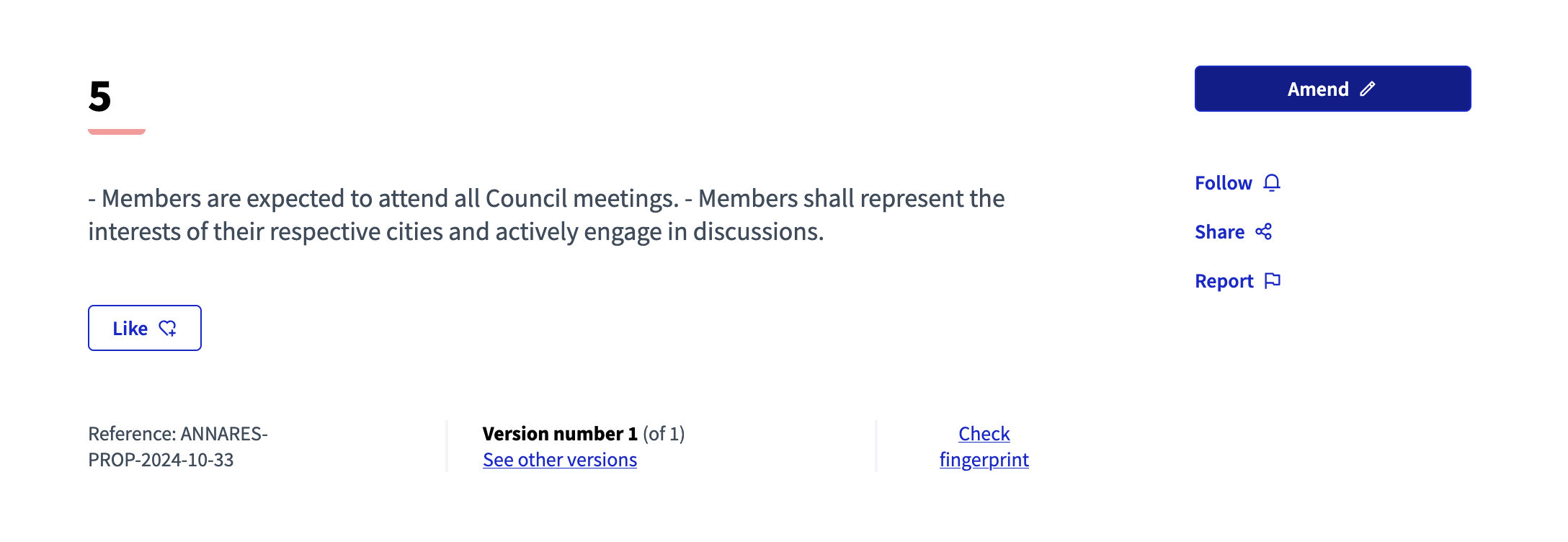
Bob click on the "Amend proposal" button
-
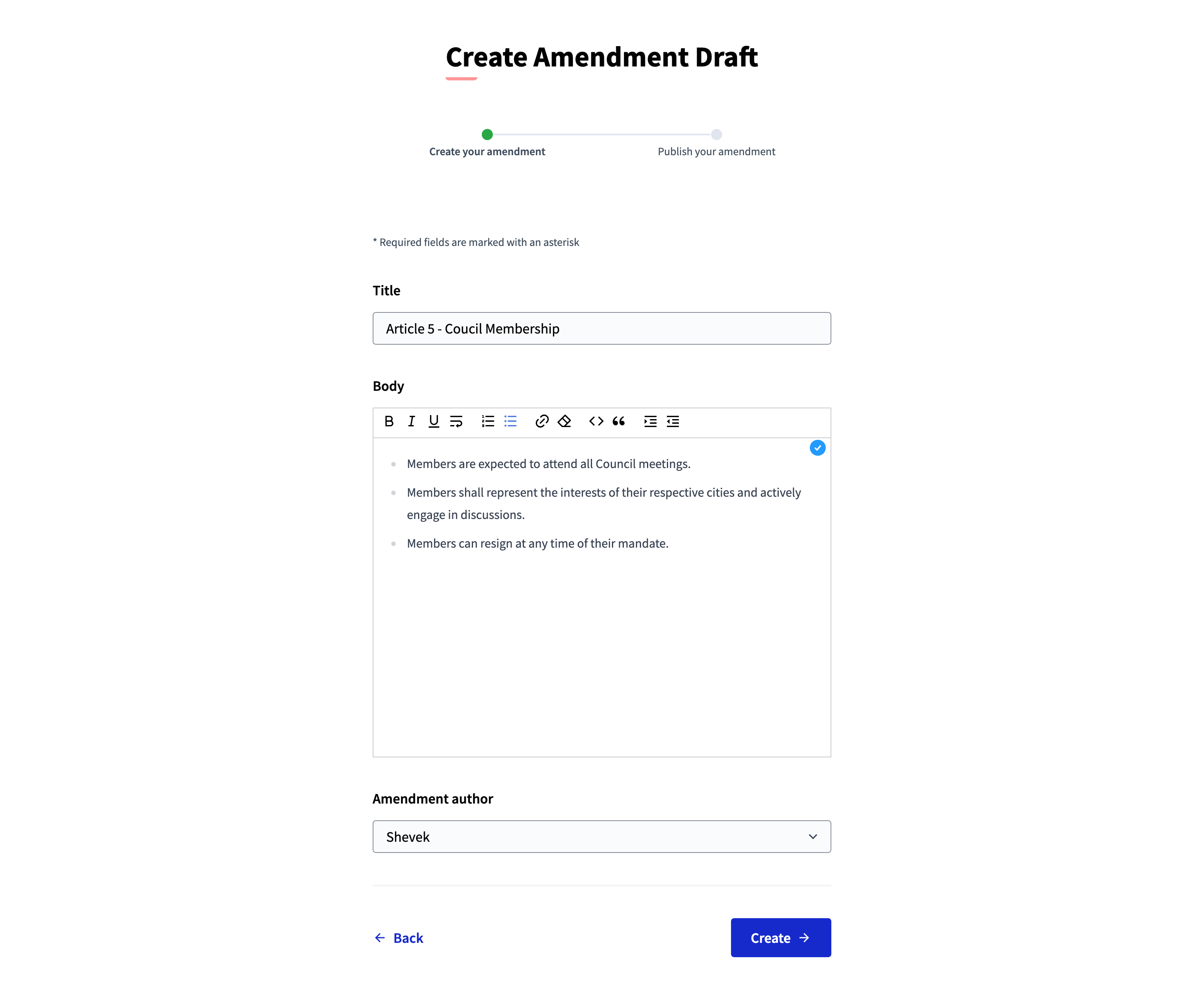
Bob makes the changes in the "Create amendment draft" form
-
Bob checks if there is any similar amendment
-
Bob edits the amendment draft

-
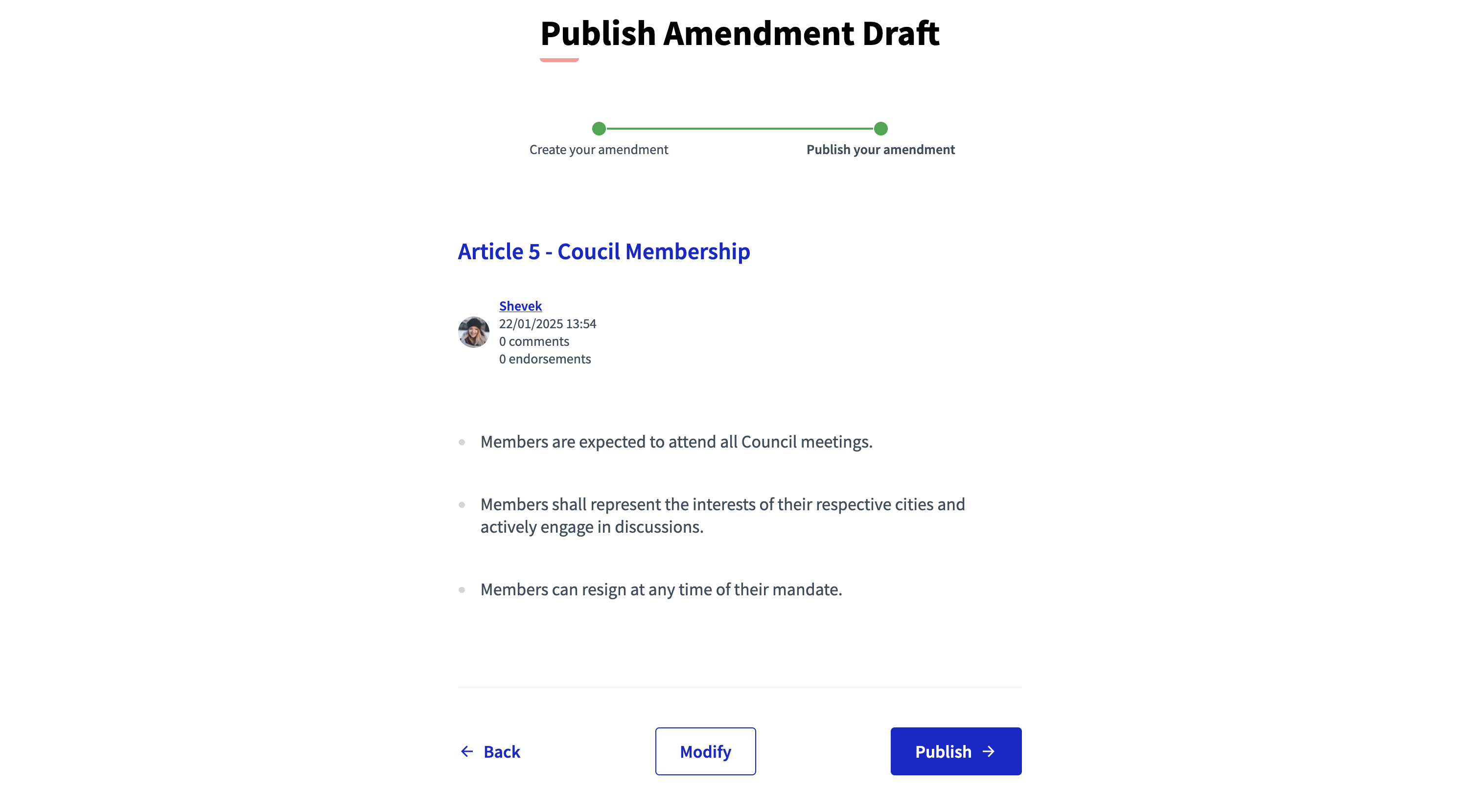
Bob publishes the amendment draft
-
Anyone can see the amendment draft


-
It’s also possible to filter the amended proposals

-
Alice receives a notification that Bob has proposed an amendment to their original proposal

-
Alice can see the amendment proposal

-
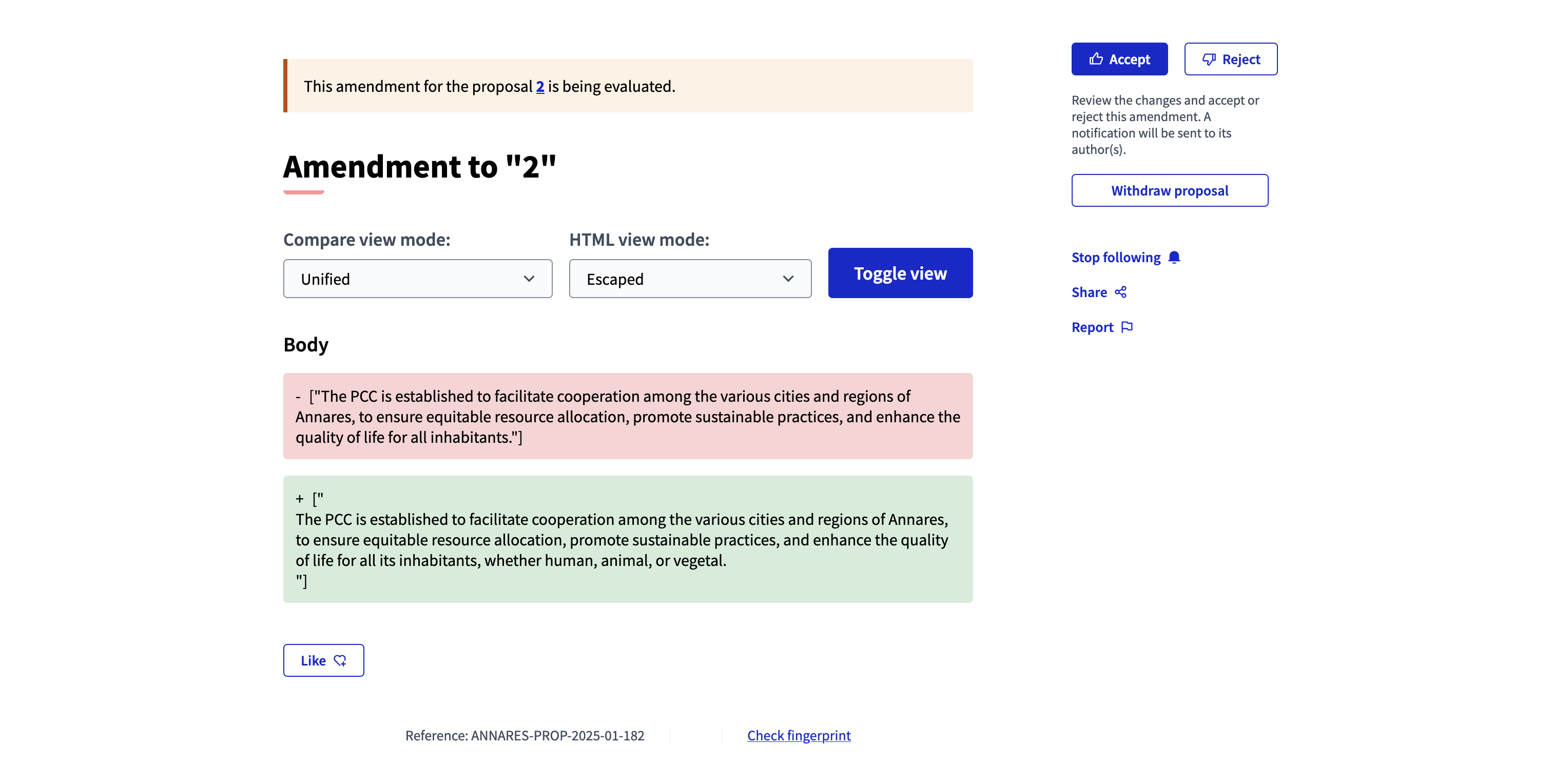
Alice can review the amendment proposal

-
Alice can approve the amendment proposal

-
Anyone can see the final proposal


-
Anyone can see the versions history of the proposal

Relevant component settings
| Field | Type | Description |
|---|---|---|
Amendments enabled |
Global |
Check to enable amendments in proposals. Other settings visible when enabling one. |
Amendments Wizard help text |
Global |
What’s the help text visible when creating new amendments. |
Amendment creation enabled |
Step |
Participant can amend proposals. See Amendments. |
Amendment reaction enabled |
Step |
Proposal’s authors will be able to accept or reject Participant’s emendations. |
Amendment promotion enabled |
Step |
Emandation authors will be able to promote to Proposal the rejected emendation. |
Amendments visibility |
Step |
Choose one of "Amendments are visible to all" or "Amendments are visible only to their authors" |